Annotation is all you need
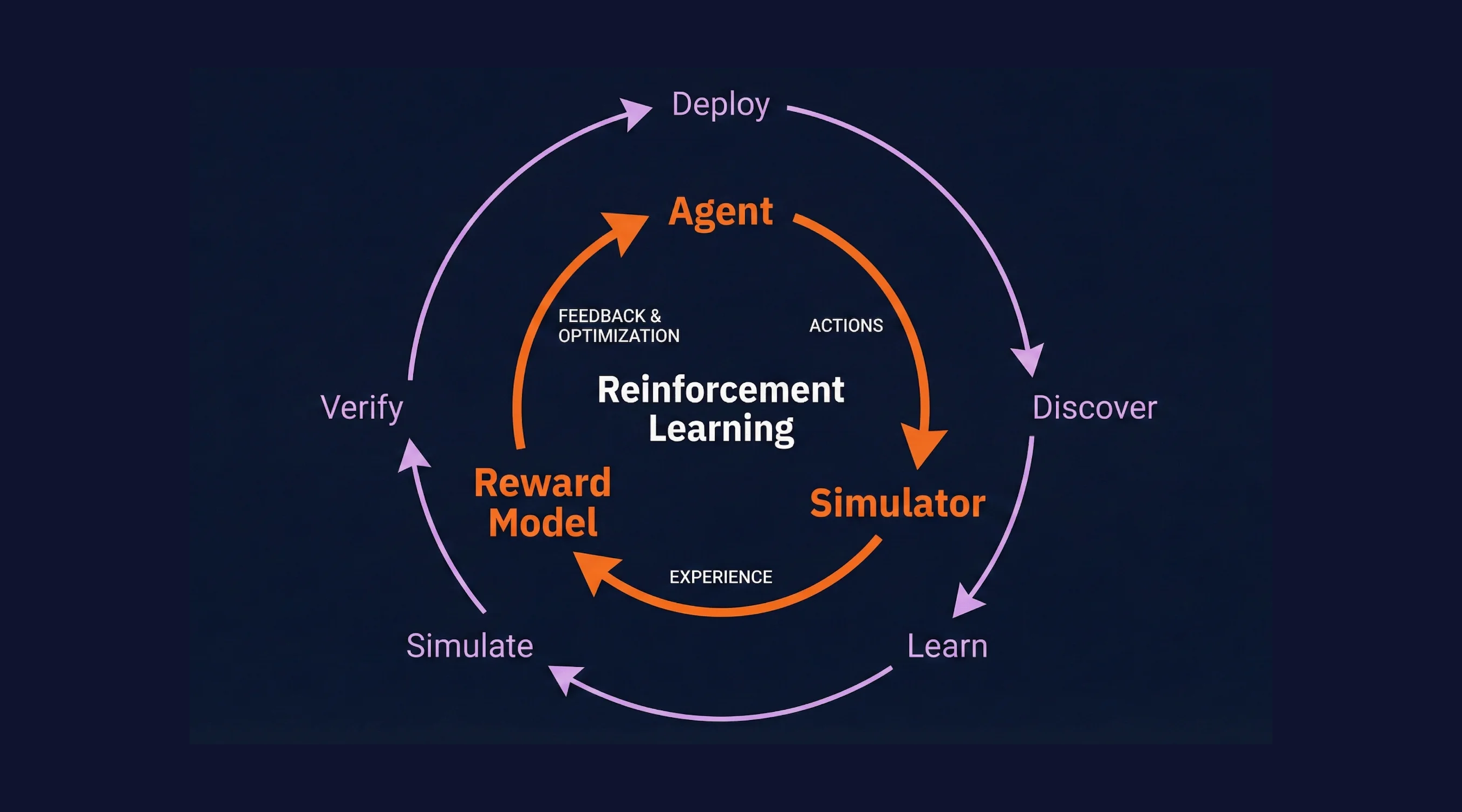
LLMs that can self-improve aren't here yet. But we have the next best thing: self-improving agents. And it turns out, all you need to make it work is annotations.
Every agent team has the same loop of shipping code, watching it run, finding problems, and finally fixing them. The gap is always the same: getting signal back into the codebase in a way that's specific enough to act on.
Annotations are the missing link.
They turn vague "this was bad" into precise, span-level feedback that both humans and AI coding assistants can reason about. Here's how the loop works, and where annotations fit in.
The Loop
The agent improvement cycle has four steps:
1. Implementation: Write your agent code, instrumented to generate telemetry.
2. Trace Generation: Run the agent and capture traces.
3. Trace Annotation: Review traces and pinpoint exactly what went wrong and why.
4. Agent Improvement: Pull annotations into your IDE via MCP. Let your AI coding assistant make targeted fixes.
Then repeat. Each cycle makes your agent measurably better.
Notice that the agent isn't improving itself. A different agent (Claude Code, Codex, Cursor, whatever you use to write code) reads the annotations and makes the fixes. But does that distinction matter? At the end of the day, you have an agent that gets better, automatically, because another agent acted on structured feedback. That's self-improvement with a human in the loop where it counts.
Try it yourself in the interactive demo below. You'll run a real agent, generate real traces, annotate them, and see the improvement happen live.
Step 1: Instrument Your Agent
Scorecard collects traces via OpenTelemetry (OTel), the industry standard for distributed tracing. This means you don't need a proprietary SDK.
The fastest way to get started is to point your LLM client's base URL at Scorecard's proxy:
from openai import OpenAI

client = OpenAI(
    base_url="https://llm.scorecard.io",
    default_headers={
        "x-scorecard-api-key": os.environ["SCORECARD_API_KEY"],
    },
)
Every LLM call now generates a trace in Scorecard with:
- Latency
- Token counts
- Cost estimation
- Full request/response payloads
- Error traces
For more control, you can use the OTel environment variable approach or wrap your AI SDK calls directly. See the Tracing Quickstart for all options.
What makes this different from logging?
The point of a trace is to tell a story. Connect several different calls, each with a different structure, to tell you the “thought process” of a program. Logs are unstructured, and require whole secondary systems in order to understand. They exist for the sake of tracking, not improving. Using traces (specifically tree structured traces), you gain observability as to an entire process, rather than fragments of what has happened.
Step 2: Generate Traces
Once your agent is instrumented, you need to run it. This can happen in production with real users, locally during development, or inside a simulation engine that generates synthetic conversations (stay tuned for more on this from Scorecard).
It doesn't matter where the agent runs. What matters is that every LLM call, tool use, and retry gets captured as a trace. With this information, we have the scaffold for improvement.
Step 3: Annotate in the Scorecard UI
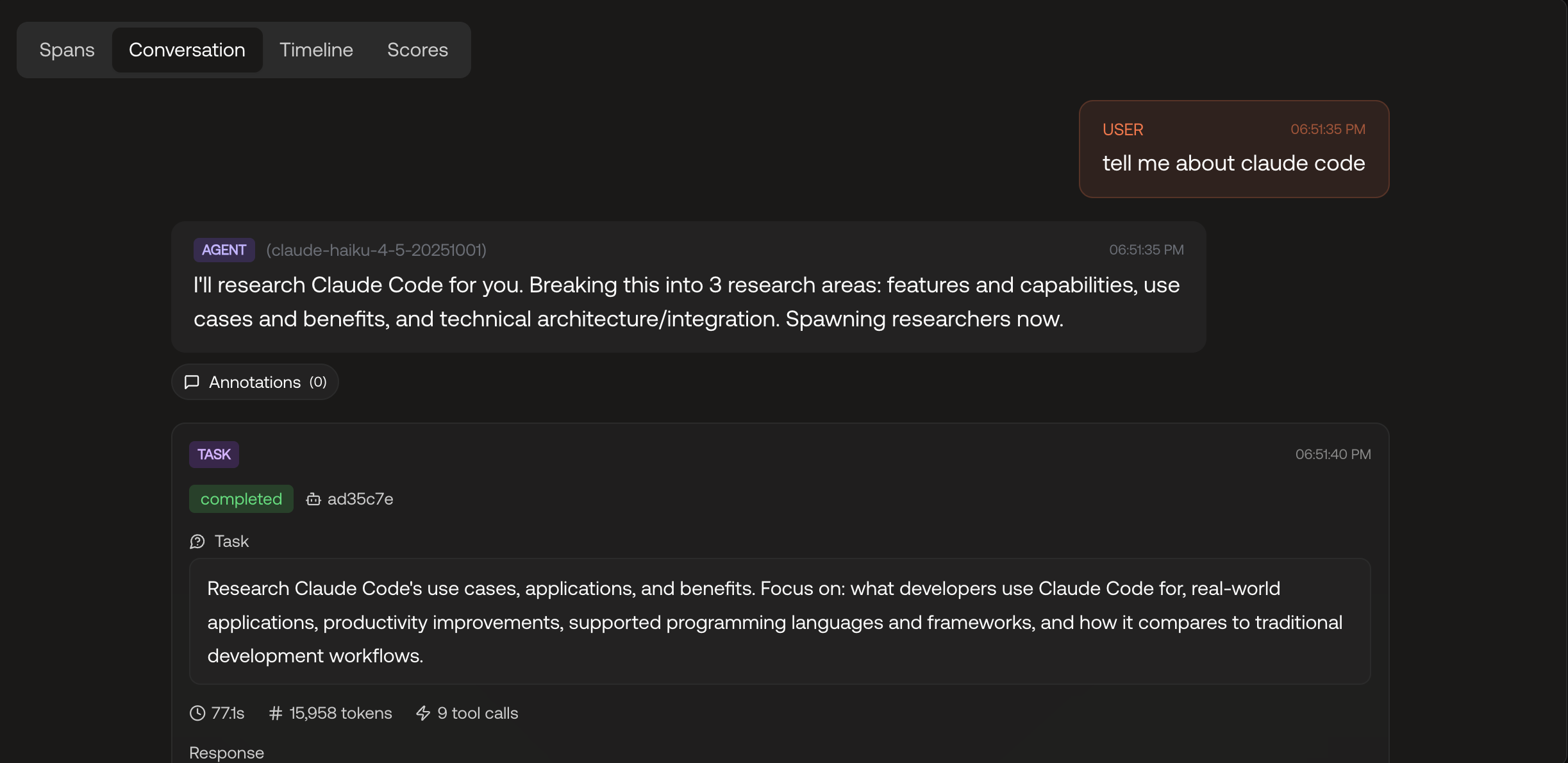
Once traces are flowing, open any trace in Scorecard and you'll see the full span treeClick on a span to expand it. You'll see the inputs, outputs, token usage, and timing. Then annotate it:
- Thumbs up / thumbs down: Was this step correct?
- Free-text comment: What specifically was wrong? ("Hallucinated the return window", "Should have asked for the order number first", "Tone is too formal here")
The more specific the better here. You're pinpointing which LLM call in which part of the pipeline produced the bad result, and explaining why. That specificity is what makes the feedback actionable.
This also means you don't need to be able to code, or even have access to the codebase, to meaningfully contribute to making the agent better. In practice, teams using Scorecard usually assign Subject Matter Experts (SMEs) to do the annotations. They're the ones who actually understand how a response could be better, and that knowledge is exactly what the coding agent needs in the next step.
All the annotations are stored on records and are accessible via:
- CSV export for spreadsheet analysis
- REST API for programmatic access
- MCP for AI-assisted code improvement (see next step)
Step 4: Pull Annotations into Your IDE with MCP
Here's where it gets interesting. Scorecard exposes a Model Context Protocol (MCP) server that gives your AI coding assistant (Claude Code, Cursor, or any MCP-compatible client) direct access to your evaluation data.
claude mcp add --transport http scorecard https://mcp.scorecard.io/mcpNow your AI assistant can read annotations, traces, metrics, and test results from Scorecard.
The code agent reads your codebase and the annotations, then makes targeted changes. It's not guessing what's wrong. It's reading structured, span-level feedback from your team and applying it directly.
The list_annotations tool
The MCP server provides a list_annotations tool that returns annotations for a given record or testset. Each annotation includes:
- The span name and trace ID it was attached to
- The rating (positive/negative/neutral)
- The comment with human-written context
- Metadata like who created it and when
This is the bridge between your evaluation workflow and your development workflow (our secret sauce you could say).
How is this better?
Traditional AI improvement loops are slow and lossy:
1. User reports a problem (if they bother)
2. Someone files a ticket (if they notice)
3. An engineer tries to reproduce it (if they can)
4. They guess at what went wrong (because they can't see the trace)
5. They make a fix (hoping it doesn't break something else)
6. They wait for the next complaint to see if it worked
With Scorecard's annotations, the loop becomes:
1. Auto Capture
2. Annotate
3. Make AI Assisted Changes
4. Repeat and Compare
The feedback is structured, span-level, and machine-readable. It works for any codebase, any LLM provider, and any agent framework, because it's built on OpenTelemetry, not a proprietary integration.
Most importantly: the annotations become a training signal for continuous improvement. Every cycle through the loop makes your agent better, and you have the traces to prove it.
Get Started
The agent improvement loop works today. Here's how to start:
1. Sign up for Scorecard: Free tier available for up to 1 million scores
2. Follow the Tracing Quickstart: 5 minutes to get traces flowing
3. Set up the MCP server: One command to connect your IDE
Your agents are already making mistakes. Now you have a structured way to find them, understand them, and fix them.
P.S. We're hiring. If this kind of problem excites you, come build it with us.